Skip to content
Try it yourself All features

Every feature, working live

Every example on this demo site, in one place. Each one is live, so open it and try it just as your learners would.

Course lists

Show your courses on your own pages, pulled live from aXcelerate.

Courses in a list with images, short descriptions and a Find out more button.

The same courses as a grid of tiles, with or without images.

A course list learners can narrow down with filters.

Course details

Full course pages with live dates, prices and Enrol buttons.

A workshop’s details page: description, outcomes and upcoming dates with Enrol buttons.

The details page for a qualification, with its upcoming intakes.

Your own course page content, with live dates and enrolment added by the plugin.

Just the table of upcoming dates and Enrol buttons, to add to any page.

Upcoming dates plus an Enquire button, for learners who want to ask first.

Search and calendar

Help learners find the right class by date, course or type.

Every upcoming class in a month, list or day view.

Search upcoming workshops by course, date range or course ID, and enrol from the results.

The same search for qualifications: find an intake and enrol from the results.

A course search set up for in-house workshops.

Enrolment scenarios

Different ways learners can enrol, depending on how you run your courses.

Learners choose to enrol themselves or make a group booking, straight from the dates table.

Separate enrolment paths for domestic and international students.

Separate enrolment paths for funded and fee-for-service enrolments.

An Apply now button for qualifications, alongside Enquire now.

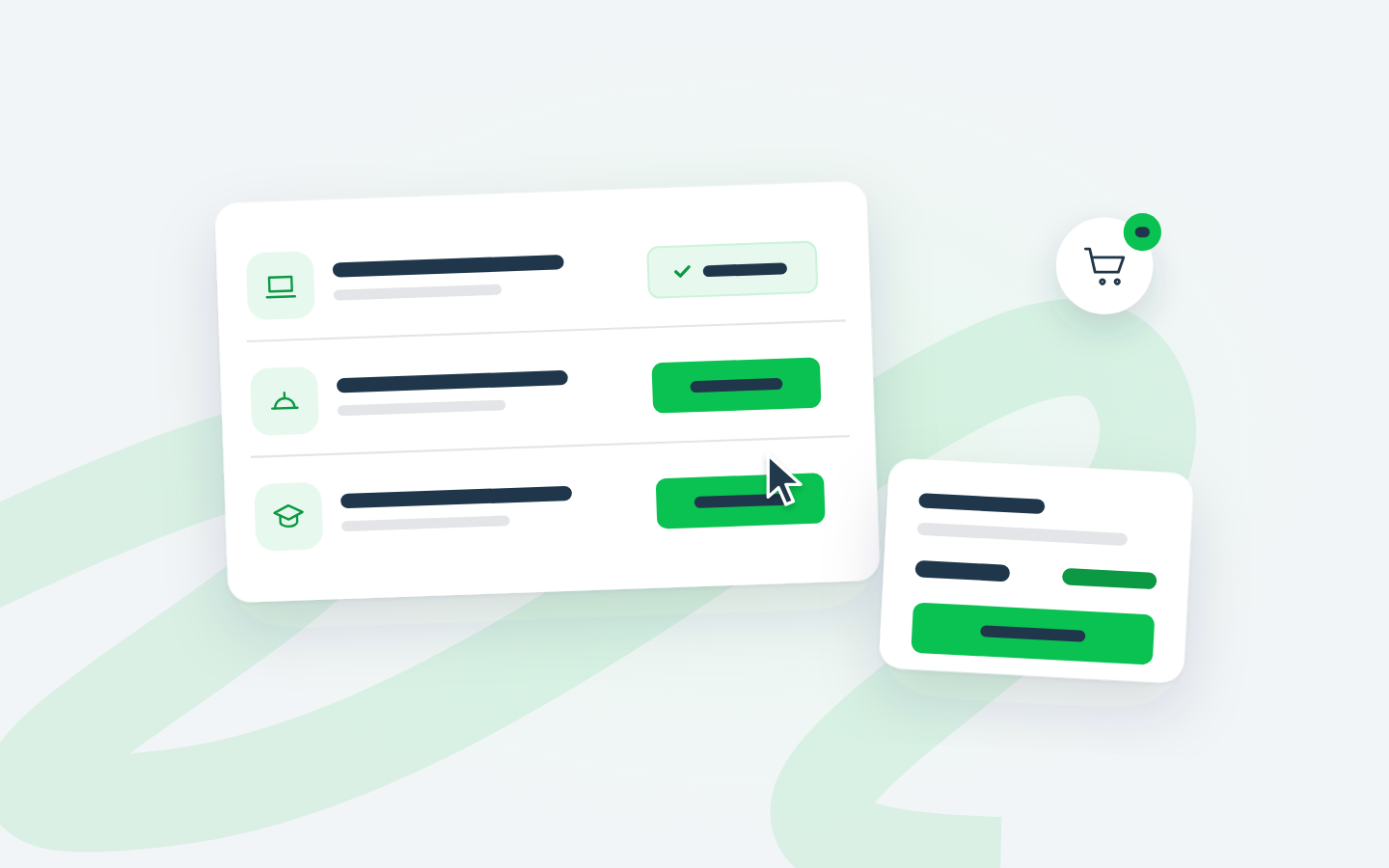
Learners add several classes to a cart and enrol in them together at checkout.

An enrolment that sets up a payment plan with Ezypay.

An enrolment form where learners choose their course as the first step.

An address step that suggests addresses as learners type.

Checks the learner’s details as they create their account.

Checks the learner’s Unique Student Identifier (USI) as they create their account.

A separate enrolment step that verifies the learner’s USI.

Learners add extra items to a public workshop booking.

An information capture document, viewed right on the page.

The privacy notice and declaration learners agree to when they enrol.

Enquiry scenarios

Let learners ask a question before they enrol.

A course enquiry form that creates a contact in aXcelerate.

Let’s talk about your enrolments

Tell us how your learners enrol today and we’ll point you to the right package.
